
Crea Video Lyrics · Beta Testing
Audio/MIDI with Dettato
Turn an original recording into multi-track MIDI you can listen to, correct and shape into a new backing track.
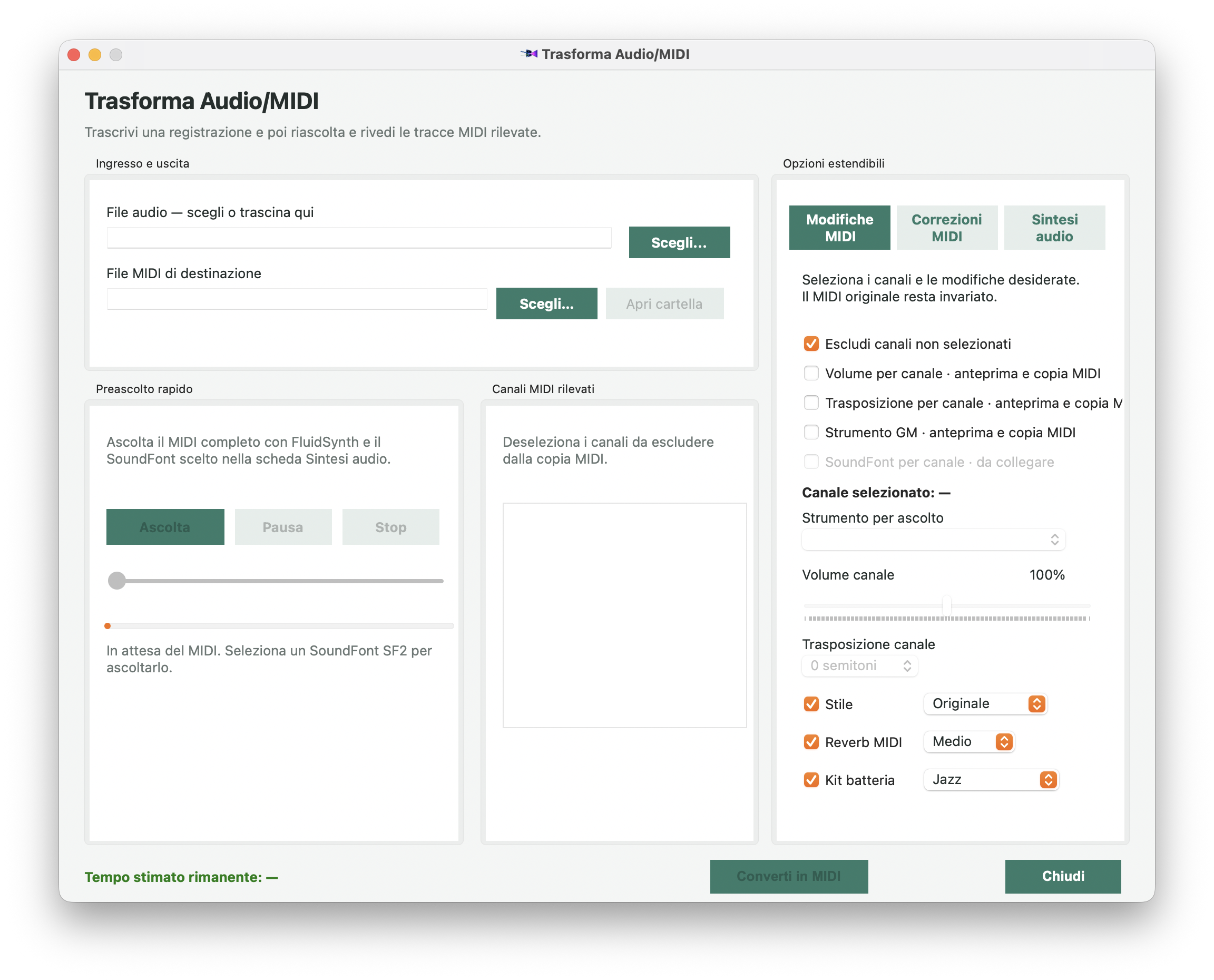
The Audio/MIDI module is in beta testing and has been integrated into Crea Video Lyrics since version 1.0.3.0.
MIDI can have a second life
We believe MIDI can return to the centre of music making thanks to recent technical progress. It is a bridge between acoustic and electronic music: notes remain editable data, so you can choose sounds, arrangements and keys.
With a quality SoundFont, the sound of individual instruments can come very close to an acoustic performance. The decisive difference often lies in the performance: intention, articulation, dynamics and phrasing must be represented in the MIDI. Crea Video Lyrics works on these aspects with dedicated corrections and style variations. It cannot automatically turn a poor MIDI performance into a perfect one; the quality of the source material still matters.
You can now also start from an audio recording. Dettato, the open-source AI project created by Nathan Mills, extracts multi-track MIDI that you can listen to, inspect and refine. Dettato identifies musical parts, but interpreting notes, dynamics and timbre can still involve inaccuracies. This is where the two projects come together: Dettato creates the MIDI starting point; CVL provides tools to correct it and shape a different result.
With careful listening and thoughtful corrections, this combination can make MIDI more useful without requiring you to build a complex DAW workflow from scratch. Crea Video Lyrics helps you refine and export the backing track; Olw-Player can then play and manage your MIDI files. This is our contribution to a new life for the format: bringing Nathan’s work together with the tools developed in CVL and continuing to improve the results together.
From a song you love to a MIDI backing track
Love a song but cannot find a MIDI backing track? Want to prepare it in a different key, or work from a live version for which no backing track exists? Audio/MIDI gives you a starting point: load the recording and Dettato creates MIDI for you to review and reshape.
- Choose an audio recording in Crea Video Lyrics’ Audio/MIDI module.
- Wait for transcription. Model files download automatically the first time you use the feature, so an Internet connection is needed for that initial download. The song is then processed on your computer.
- Listen to the MIDI with a SoundFont, review the detected channels and disable any channels you do not want in the copy.
- Save or export a copy, then use CVL’s MIDI corrections and style variations to adjust the performance, try an arrangement, MIDI reverb or a drum kit. The original Dettato MIDI remains preserved.
Indicative CPU processing time without usable GPU acceleration: on the Mac used for testing, we observed about four minutes of processing per minute of audio. This is an estimate; actual time depends on the computer and the recording.
Review and refine the result
Automatic transcription is an aid, not a guaranteed note-for-note reconstruction. Instruments with similar timbres may end up on the same channel; bass and piano can overlap in some passages, and different wind instruments may not be separated correctly. Notes, dynamics and articulation can also need review.
Listen carefully and treat the MIDI as a starting point. CVL’s corrections and variations can improve its rendering, but cannot recover information that transcription did not identify. The module is in beta testing: we continue to refine the integration and discuss results with Nathan.